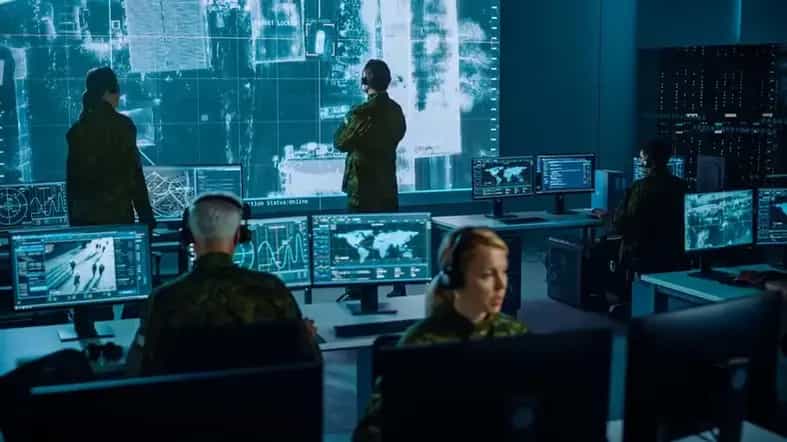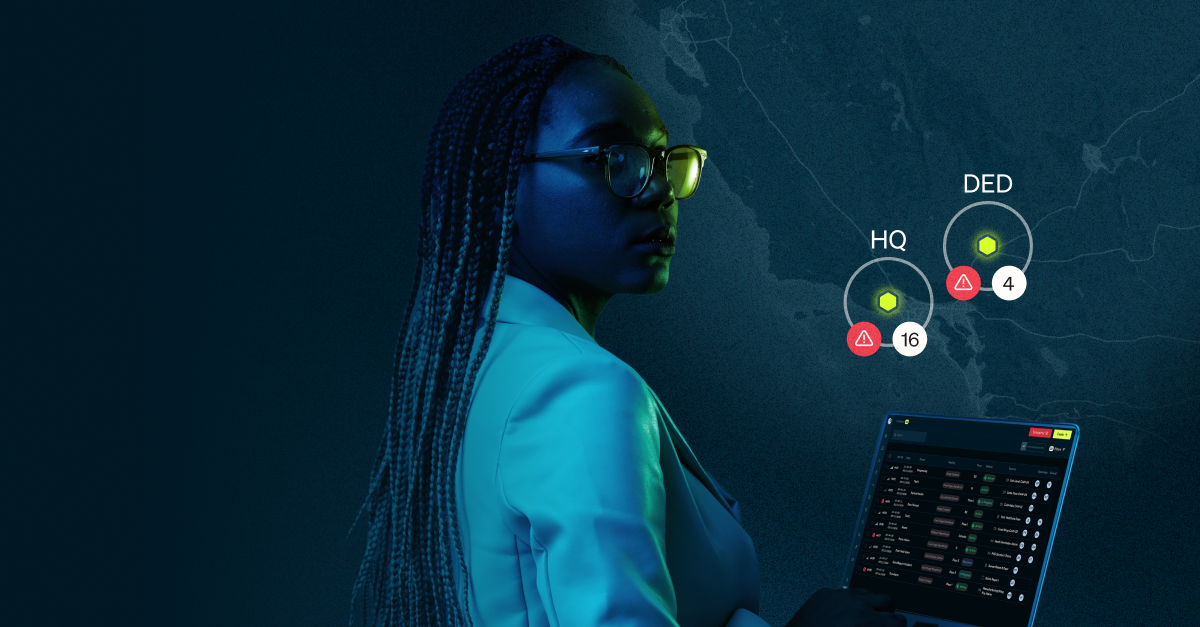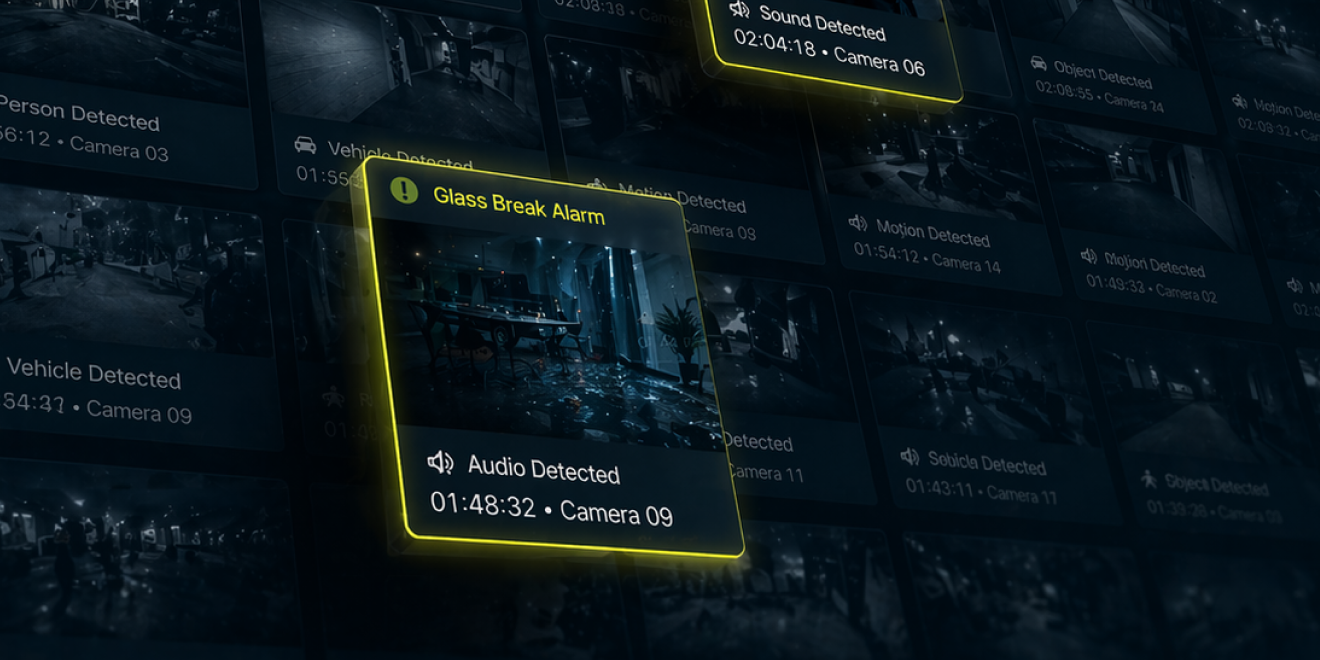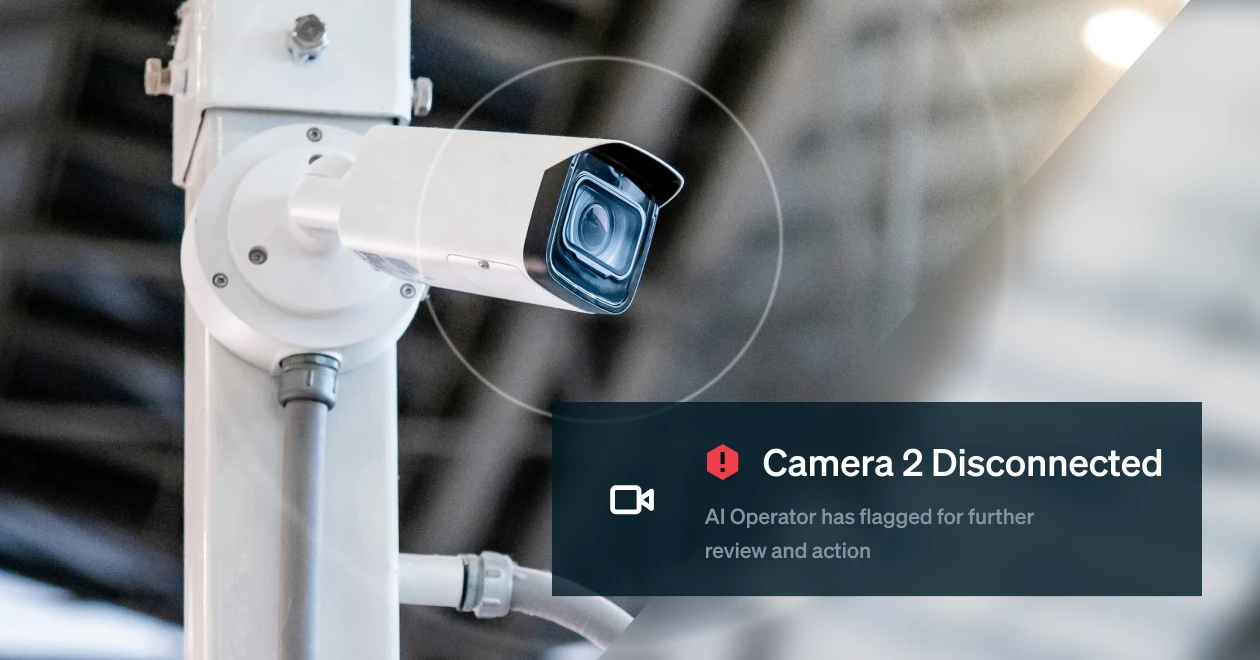

Picture your security operations center (SOC).
Your SOC gets an incoming alarm through your access control platform. An operator receives it and switches to the VMS to pull video, navigating to the right cameras and time stamp. Then flips back to the access control system to check the badge log. Then opens a third platform to log the incident and check SOPs for a phone number. Then a fourth to notify the on-call guard. Then a spreadsheet to track response time.
By the time the full picture is assembled, several minutes have passed. In security operations, where moments matter, this can be an eternity. And when alerts are coming in that are false, consuming an operator’s time, these critical incidents might even get missed among the noise (which is a real problem).
This is the reality for most physical security teams today; and it’s not because they haven’t invested in good technology, but because that technology was never designed to work in combination with one another.
Why are physical security teams managing so many disparate systems?
The average SOC operator uses 4.7 different applications in a single shift. At organizations with more than 10 locations, that climbs to 5.6. That’s according to our 2026 State of Physical Security Operations benchmark study, which surveyed 300 security professionals across mid-to-large U.S. enterprises.
Every time an operator switches applications, they are trying to get more context on the security incident. They manually reconstruct timelines that should be automatically compiled for them. They copy data between tools (a task that 19% of respondents said they’d eliminate first). The work of connecting the dots falls on the operators, not the systems.
Here’s the uncomfortable truth: most physical security stacks weren’t built. They accumulated.
An organization deploys access control from one vendor. Cameras from another. They add a visitor management system. A guard tour platform. An incident reporting tool. Each of these decisions made sense in isolation. Each vendor had the best product in its category at the time.
But nobody asked how the data would flow between them.
Security operations management didn’t create this problem, but they are tasked with managing it.
Why disparate systems are so hard to connect
Legacy physical security systems weren’t designed for integration with other products. They were designed to do one thing well: control access to a door, record video, identify water intrusion. The idea that all of this data might need to live in one place, talk to each other in real time, and surface actionable intelligence for an operator was, frankly, an afterthought.
Proprietary products that don’t “play well with others” (i.e. integrate easily) can mean that operators are forced to tab back and forth between multiple systems without being able to gain a full view of what’s happening.
The result is what security teams deal with every day: systems that technically work but operationally don’t. Data that exists but isn’t connected. Insights that are possible in theory but impossible to extract in practice without a team of people manually bridging the gap.
The disparate systems problem is bigger than it looks
As organizations grow, the problem compounds fast.
HiveWatch’s research found that as an organization roughly doubles in headcount, the number of connected devices it monitors more than quadruples: from an average of 447 devices to 1,798. Daily alarm volume climbs from 293 to 421+. And the false alarm rate jumps from 29% to 44%.
The cost of this can skyrocket if not addressed. For example, the average hourly rate for an operator is between $19 and $25 per hour. Spending 50% of their time can mean losing $19k to $26k a year on looking at things that don’t matter. Multiply by multiple people per shift and you have quite the resource drain on your hands.
That means larger organizations are processing over 100 false alarms per day before finding a single real incident. Operators are managing thousands of devices, sifting through hundreds of alarms, across multiple platforms, and expected to not miss anything.
The tools haven’t kept pace with the growth. The humans are absorbing the difference.
This is how false alarms become a massive problem for security operations. It’s not just about the cost of chasing bad alerts – though that’s real, with industrywide false alarms costing the U.S. emergency response system an estimated $3.1 billion annually. It’s about what false alarms prevent: the ability of operators to respond quickly and confidently to actual problems.
When your GSOC is juggling five screens to triage and respond to a single alarm, a real incident is waiting in the queue . The real incident doesn’t announce itself as real, you have to wade through many to find it.
Why finding the right technology that brings systems together is tough
What a modern SOC needs is a true operational layer: something that doesn’t just collect data from disparate systems, but normalizes it, connects it in the right way, and surfaces it in a single place that an operator can easily see and act on.
That’s a fundamental engineering challenge that requires deep knowledge of all of the systems and platforms. The challenge can be amplified by vendors that aren’t truly open or willing to integrate with other systems. Solving this challenge requires that someone have the ability to handle different data schemas, alarm or alert structures, and formats across vendors that have been in the market for decades.
It requires, frankly, a lot of unglamorous work that most companies find hard to fix. Most physcial security teams don’t have IT resources dedicated to help optimize their tools, and contracting with the people who deployed the systems can be cost prohibitive.
The promise of “unified security management” has been made many times. Usually what gets delivered is a dashboard that aggregates information but doesn’t actually allow operators to see everything they need to see and ACT within a single platform. Operators still have to context-switch. They’re just doing it in slightly fewer tabs.
There’s also the loss of critical data being collected from these systems, where it can help paint the picture of a security program and how it works from day to day.
The 56% of security programs stuck at maturity Level 2 or Level 3 in our benchmark research, where processes exist but aren’t consistently followed and technology is deployed but not optimized, aren’t stuck there because they haven’t tried. They’re stuck because they’ve paid for systems that look connected on paper, but fall apart when things get busy.
There’s a better way to run this
You bought good physical security tools. The problem isn’t the tools. The problem is that they aren’t connected.
You don’t need to replace your ACS, your VMS, or your guard management platform. HiveWatch sits on top of the systems you already have: your cameras, access control, alarm systems, and pulls everything into one screen. Instead of jumping between six tools, an operator sees a single feed of what’s happening right now, already sorted by what matters most. When a door forced-open alarm comes in, they don’t just get the alert, they get the nearby camera footage, who badged in last, and how to respond for that site, all in one place. Routine false alarms get resolved automatically before anyone has to look at them, so the alerts that reach a human are the ones that actually need one.
One incident queue. No more tab switching.
If your security operations team is still stitching together a picture of what happened from five different screens at 2 a.m., the problem isn’t their effort.
It’s a problem that can be easily solved.
Want to see how leading security programs have unified their systems and improved operations? See the HiveWatch platform →
Or download the full 2026 State of Physical Security Operations benchmark study to see how your program stacks up.