The meeting that changed nothing
You’ve probably been in this meeting. Leadership announces the company needs to “start using AI” across the organization. There is some talk about it. The meeting ends. And then… nothing. Because nobody actually knows what that means in practice – especially in security operations.
According to Pro-Vigil’s “The State of Physical Security Entering 2024” report, 71% of businesses aren’t currently using AI for security, and 57% aren’t even sure if it can help. There’s a massive gap between the executive mandate and the practical reality of running a security operation.
But there’s hope for security teams looking to use their data in an intelligent way to make better decisions, maximize resources, and prove security’s value to the C-suite.
Here’s how to translate “start using AI” into concrete, actionable steps for physical security teams.
What does “start using AI” actually mean in physical security?
Here’s the thing: AI in physical security isn’t about replacing human judgment. It’s about giving security professionals better tools so they can focus on what humans do best, making nuanced decisions about complex situations.
When leadership says “start using AI,” they’re rarely asking you to build a neural network from scratch. What they’re actually asking for, whether they realize it or not, is for you to solve problems faster and smarter.
In physical security, that typically translates to:
Automating repetitive security tasks
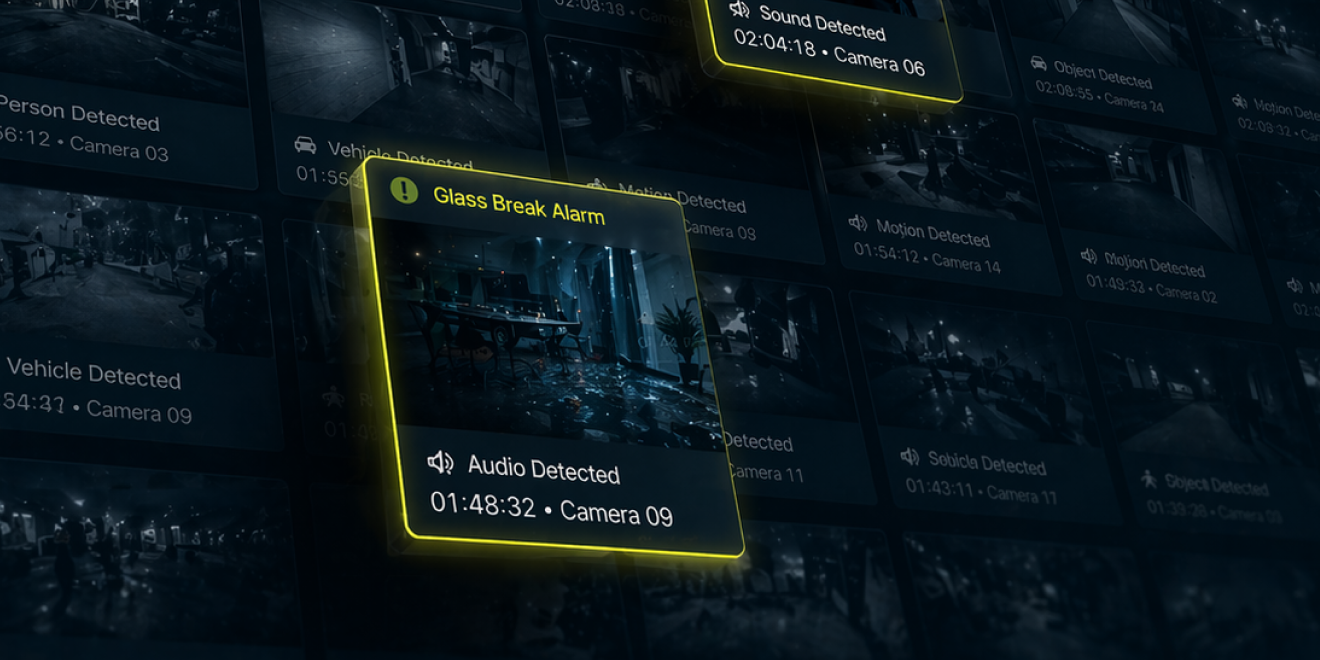
The stuff that eats up your team’s time: alarm classification, footage review, and report generation. The work that keeps you stuck at your desk instead of thinking strategically. AI-powered security systems were identified as the top physical security trend in 2024, transforming video surveillance with real-time detection and analysis capabilities.
Improving threat detection and response times
Because the difference between a missed threat and a caught one is often measured in seconds, not minutes, AI can process multiple video feeds simultaneously and flag anomalies faster than any human operator (then it can send alerts to its human supervisor for verification).
Making better use of existing data
You’ve got terabytes of video footage and thousands of alarm records sitting in your systems doing nothing. What story are they telling? What patterns are you missing?
Connecting siloed security systems
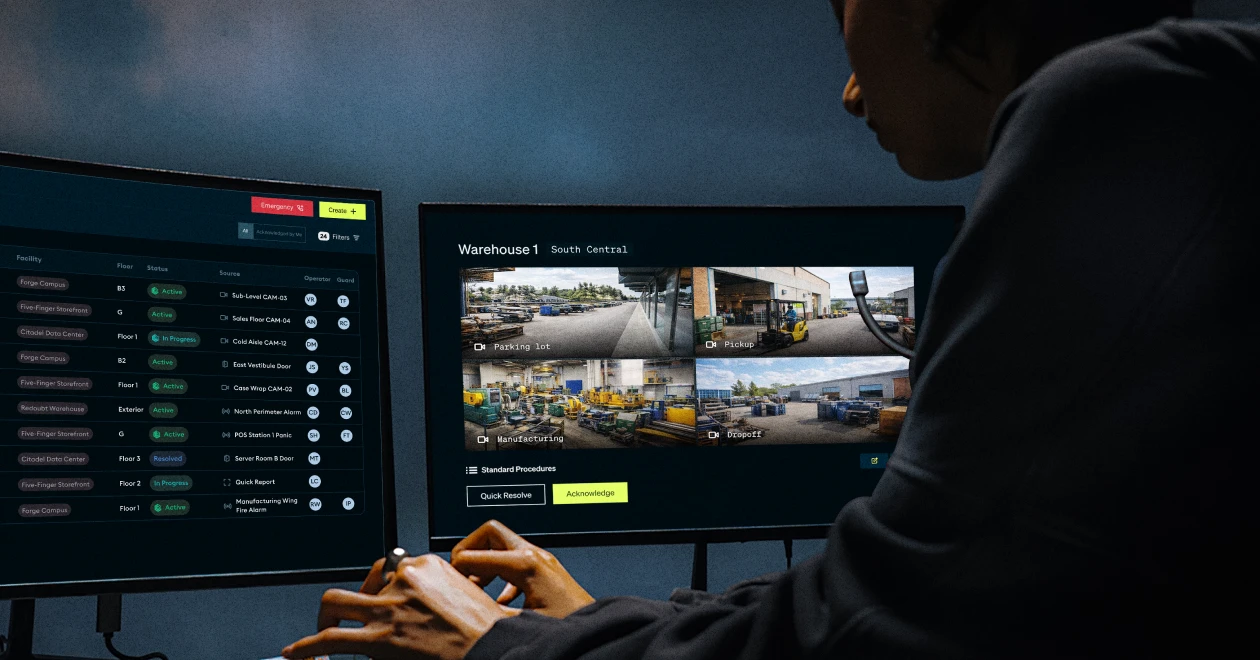
Your access control system can actually communicate with your video management system without manual intervention or complex workarounds. Breaking down these silos is essential for creating a unified security operation. (Read more about breaking down security silos in connected ecosystems.)
Here’s the thing: AI in physical security isn’t about replacing human judgment. It’s about giving security professionals better tools so they can focus on what humans do best, making nuanced decisions about complex situations.
AI video analytics and real-time object detection
Modern AI can distinguish between a person, a vehicle, an animal, and a plastic bag blowing in the wind. That sounds basic, but it’s revolutionary when you’re dealing with hundreds of cameras and the incoming feeds they create. The technology has matured to the point where it’s not just detecting objects; it’s understanding context and behavior patterns. According to market analysis, video surveillance comprises 52.1% of total physical security revenue in 2024, with AI adoption accelerating rapidly.
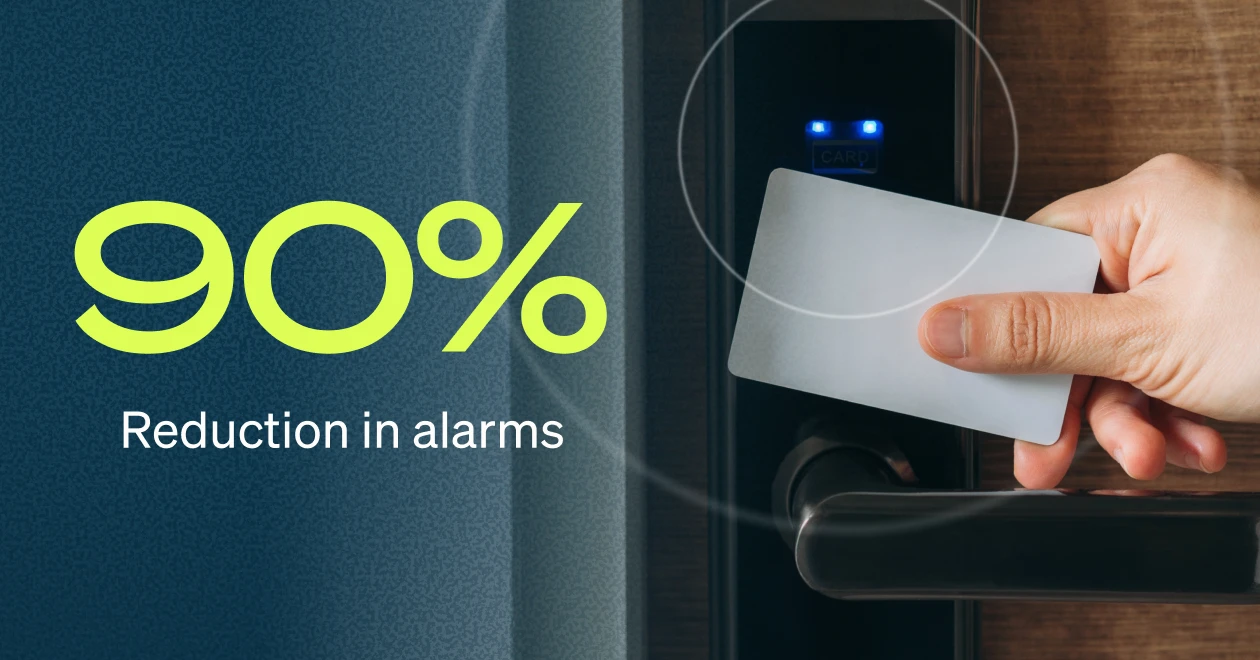
Intelligent alarm management: reducing false alarms by more than 90%
This is where AI is having the biggest immediate impact. Traditional motion detection systems are notoriously noisy. SecurityInfoWatch reports that a typical central station operator is exposed to at least three alarms per minute, with up to 95% of those alarms being false positives.
Modern AI systems are now reducing false alarms by 90-95%, according to multiple industry sources. This means your team can actually focus on real threats instead of chasing shadows, or moths, weather changes, or that one tree branch that triggers motion detection every single day. (For a deeper dive into this topic, read our guide on how to reduce physical security false alarms by 90%.)
Predictive maintenance for security hardware
AI can analyze patterns in your camera feeds and system logs to predict when equipment is likely to fail. It’s like having a maintenance schedule that actually reflects reality instead of arbitrary time intervals. This reduces downtime and extends the life of expensive security equipment.
Access control pattern recognition and anomaly detection
AI can learn normal access patterns and flag anomalies, such as someone badging into areas they don’t usually access or unusual after-hours activity. It’s not about Big Brother; it’s about surfacing signals that would otherwise be invisible in the noise.
Incident report analysis and automated trend identification
Instead of manually reviewing hundreds of incident reports to spot patterns, AI can analyze them in seconds and tell you, “Hey, we’re seeing a spike in tailgating attempts in Building C on Friday afternoons.” This type of insight allows you to allocate resources proactively rather than reactively.
How to assess your current security operations for AI readiness
Before you start shopping for AI solutions, you need to get honest about where you are. Here’s a practical self-assessment framework:
What manual processes are consuming your team’s time?
Be specific. “Reviewing footage” isn’t specific enough. Is it:
- Searching for a specific person across 50 cameras?
- Verifying alarm activations manually?
- Creating incident reports from scratch?
- Correlating events across multiple systems?
Track how much time these tasks actually take. You need baseline metrics to prove ROI later.
Where do you have data you’re not using?
You’re probably collecting way more data than you’re analyzing:
- Access logs
- Alarm patterns and timestamps
- Environmental sensors
- Badge swipe histories
- Camera health diagnostics
What’s just sitting there? What insights are you missing?
What alerts or incidents are you missing or catching too late?
This is hard to answer because by definition, you don’t know what you’re missing. But you can look at:
- Near-misses or incidents caught by chance
- Situations where “if only we had known sooner”
- Threats identified through investigation rather than real-time detection
Where are your systems not talking to each other?
If you’re manually correlating information from different systems, that’s a strong AI candidate. Humans shouldn’t be the middleware between your VMS, access control, and alarm systems.
Whatever comes up as your biggest pain point – that’s your AI priority list.
Data security and privacy considerations you can’t ignore
Here’s the catch: you need to think about data security from day one. Questions to answer:
- Where is your AI processing happening? On-device? Cloud? Hybrid?
- What data are you feeding it, and who has access to that data?
- How long are you retaining video and biometric data?
- What’s your data breach response plan?
These aren’t afterthoughts – they’re core requirements. You also can’t ignore compliance and privacy concerns. If you’re deploying facial recognition, you need to know the laws in your jurisdiction. If you’re analyzing employee movement patterns, you need clear policies and consent mechanisms.
How to start small with AI in security operations (without looking like you’re doing nothing)
The worst thing you can do is try to implement AI everywhere at once. You’ll burn budget, exhaust your team, and probably end up with a bunch of shelfware.
Instead, follow this approach:
Begin with one high-impact use case
Pick something that’s:
- Painful (it bothers everyone)
- Measurable (you can track before/after metrics)
- Clear (success looks obvious)
For most teams, that’s false alarm reduction or footage review – not because they’re the most exciting initiatives, but because they deliver immediate, measurable results.
Pilot with your most time-consuming manual process
Track how long your team spends on it now. Document specific examples. After you implement AI, track again. The time savings are your proof point. Be specific: “Investigation time reduced from 4 hours to 30 minutes per incident” is better than “things got faster.”
Focus on measurable outcomes, not technology buzzwords
Not “we’re using AI” but:
- “We reduced false positives by 85%”
- “We cut investigation time from 4 hours to 30 minutes”
- “We caught 3 incidents we would have missed”
- “We reallocated 20 hours per week from alarm verification to strategic analysis”
Build internal advocates before scaling
Get your operators and analysts actually using the tool. Listen to their feedback. When they start telling other teams about it unprompted, you know you’re onto something. Their testimonials will be worth more than any vendor pitch when you’re ready to scale.
You don’t need to transform your entire operation overnight. You need one solid win that makes people say, “Okay, this actually helps.”
Critical questions to ask AI security vendors (so you don’t get sold vaporware)
The security AI market is crowded, and unfortunately, it’s full of rebranded video analytics being called “AI.” Here’s how to separate signal from noise:
Essential questions for every AI security vendor
“What specific problem does this solve?” If they can’t give you a concrete answer beyond “AI-powered security,” run. You need specifics: “Reduces time spent verifying motion alarms from 2 hours daily to 15 minutes.”
“What’s your false positive rate, and how was it measured?” Anyone can claim 95% accuracy. Ask for the methodology. What dataset? What conditions? Independent testing or self-reported?
“How does your AI actually work?” You don’t need a PhD to understand the basics. If they can’t explain it without buzzwords, they either don’t know or are hiding something. Red flag phrases: “proprietary AI magic” or “advanced algorithms.”
“What data do you need, and where is it processed?” On-device processing is different from cloud processing. Each has tradeoffs:
- Edge processing: Lower latency, better privacy, limited by device compute power
- Cloud processing: More powerful analysis, requires bandwidth, raises data sovereignty questions
- Hybrid: Best of both, but more complex to implement
“How do you handle model drift and retraining?” AI models degrade over time as conditions change (new lighting, seasonal changes, facility modifications). How do they handle this? Automatic retraining? Manual updates? This is critical for long-term performance.
“What does implementation actually look like?” Get specifics on:
- Timeline (be suspicious of “instant deployment”)
- Resources needed (IT staff, network changes, hardware requirements)
- Dependencies (what needs to be in place first)
- Training requirements for your team
Red flags that indicate poor solutions
- “AI” that’s just basic rules-based analytics (if-then statements aren’t AI)
- Solutions that require replacing your entire infrastructure
- Vendors who can’t clearly explain what the AI is actually doing
- Promises of 100% accuracy (it doesn’t exist in the real world)
- No clear path to integration with your existing systems
- No customer references willing to talk specifics
- Reluctance to do a paid pilot before full commitment
Integration requirements to clarify upfront
Get documentation on:
- Video format requirements (H.264, H.265, resolution requirements)
- Metadata needs (timestamps, GPS, sensor data)
- Camera brand compatibility (works with your existing hardware?)
- Network bandwidth requirements (especially for cloud processing)
- On-premise vs. cloud processing options
- API availability for custom integrations
- VMS compatibility and plugin availability
ROI metrics that actually matter
Measure what matters:
Time savings:
- Hours saved per analyst per day
- Reduction in average investigation time
- Decrease in alarm verification time
Detection improvements:
- False positive reduction percentage (with before/after baseline)
- Incidents caught that would have been missed
- Response time improvement (measured in minutes/seconds)
Cost impacts:
- Operational cost reduction (fewer false alarm fees, staff reallocation)
- Equipment utilization improvement
- Overtime reduction
Not “better security” or “improved awareness” – those are outcomes, but they’re too vague to measure and too easy to manipulate.
Turning “start using AI” from directive to direction
Here’s what I want you to take away from this: “Start using AI” isn’t a directive to become an AI expert. It’s a directive to start solving problems differently.
You don’t need to understand transformer architectures or neural network optimization. You need to stay a security expert who uses better tools. That’s it.
The reason is that the security landscape is changing quickly. According to industry analysis, video surveillance represents 52.1% of physical security revenue, and the services segment is growing faster than hardware. AI is becoming table stakes, not a differentiator. The question isn’t whether to adopt it, but how to do it strategically.
Your first step: Pick one problem AI could solve this quarter
Not this year. This quarter.
Make it specific:
- Don’t: “Improve our security posture”
- Do: “Reduce false motion alarms in our warehouse by 75%”
Make it measurable:
- Don’t: “Better threat detection”
- Do: “Cut incident investigation time from 3 hours to 45 minutes”
Make it matter to your team’s daily work:
- Don’t: “Deploy cutting-edge AI”
- Do: “Eliminate the 2 hours daily spent manually reviewing overnight footage”
Start there. Prove the value with real numbers. Document the before and after. Get testimonials from your operators about how it changed their day.
Then scale.
That’s how you turn “start using AI” from a vague mandate into a concrete improvement in how your team operates.
Want to talk more about AI in physical security operations? Check out what we’re building at HiveWatch.